Mornings done right
See the day to seize the day.
You don't get to choose what happens in a day. You do get to choose the mindset you carry into it. Five minutes of questions each morning, and an AI Mindset Coach that reads what you write, so the day starts on purpose instead of by default.
14 days free. Everything included.
How It Works
Your mindset is the set of attitudes you carry into everything. How you see yourself, how you read the room, how much a setback takes out of you. Left alone it gets set by whatever happens first that morning.
The practice is a way to set it on purpose instead. You sit down before the day starts, answer a short set of questions and decide what you are carrying into it. That is the whole mechanic. It takes about five minutes.
The morning session
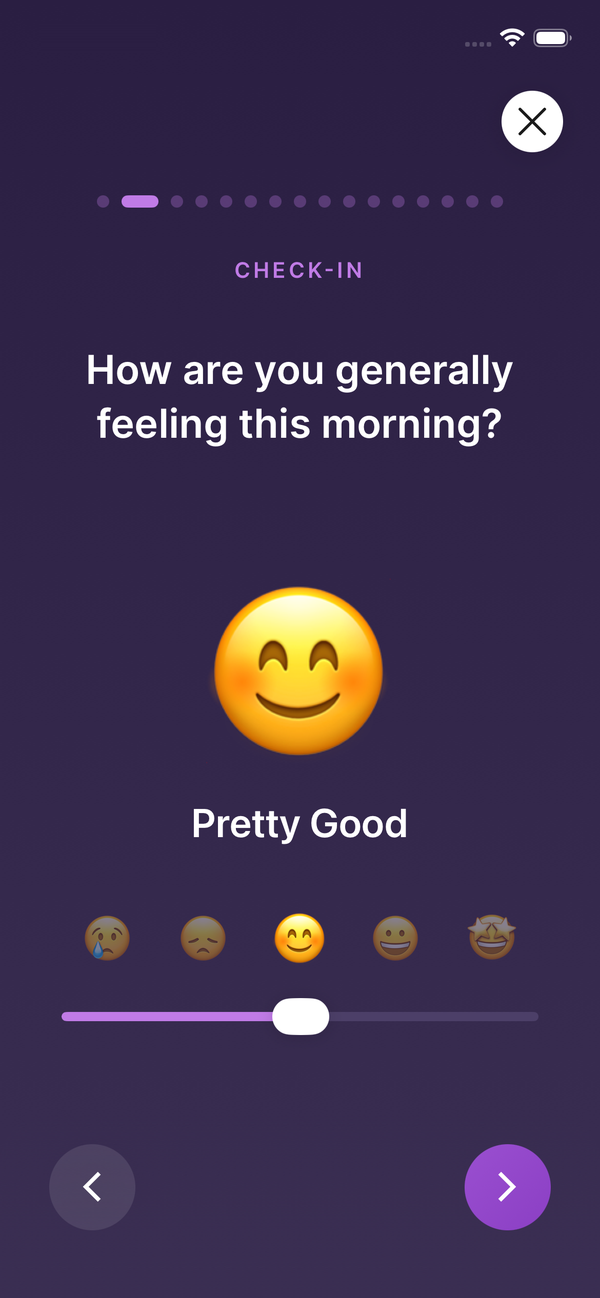
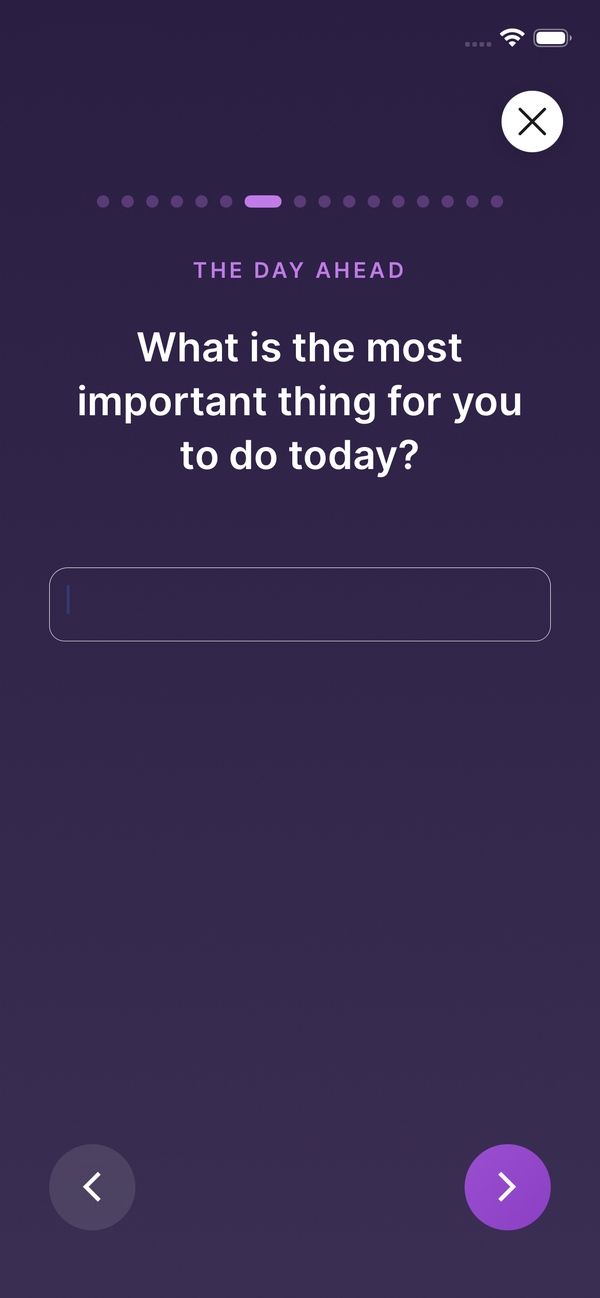
Six questions form the core and never change. That repetition is deliberate: the questions hold still so the answers can move. What made a great day on a Monday you were dreading reads differently to the same question on a Friday.
- How are you generally feeling this morning? Mood Check
- What are three attributes or characteristics you want to embody today? Characteristics
- What is one thing that happened yesterday that you are grateful for? Gratitude
- What are three things you want to accomplish today? Three Goals
- What is the most important thing for you to do today? Most Important
- What would make today a great day? Great Day
Eleven more sit in the library: fitness, food, alcohol, stressors, fear, anger, what you're looking forward to. Add what you want, drop what you don't, reorder them or write your own using a slider or one or three text boxes. The six core ones stay put.
The evening session
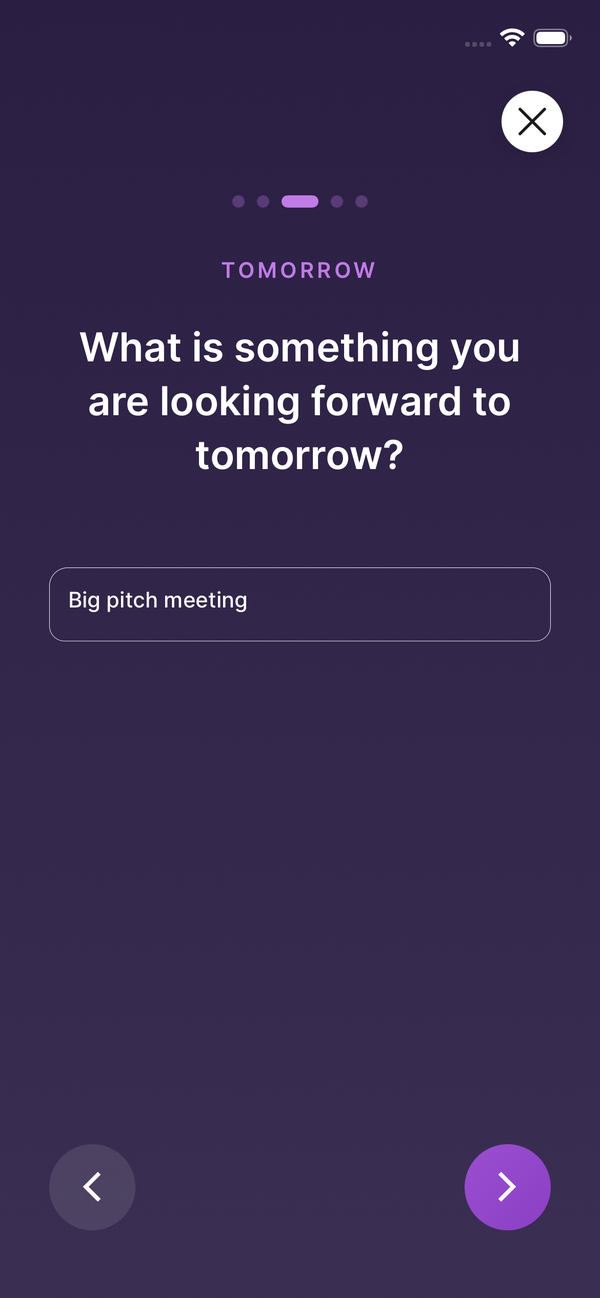
Shorter than the morning and entirely optional. It looks back over the day: what went well, what is still rattling around, what you are putting down before bed. Plenty of people only ever use the morning.
- How are you generally feeling tonight? Mood Check
- What's on your mind tonight? Brain Dump
- What went well today? Today's Win
- What is something that happened today that you feel grateful for tonight? Grateful For
- What is something you are looking forward to tomorrow? Looking Forward
There is also one notification during the day, nudging you back to the intentions you set that morning. Just the one.
What it's built on
The prompts are rooted in CBT, positive psychology and gratitude research: naming what you feel, setting one clear intention and recording something good that already happened. None of it is exotic. These are techniques with decades of evidence behind them, and the work is in doing it on the mornings you don't feel like it.
What it's for
Deciding what matters before the day decides for you. Naming the thing you keep putting off while there is still time to do something about it. Ending the day somewhere other than in your own head. It is a practice, not a fix, and it is not therapy.
The whole thing takes five minutes tomorrow morning.
About the coach
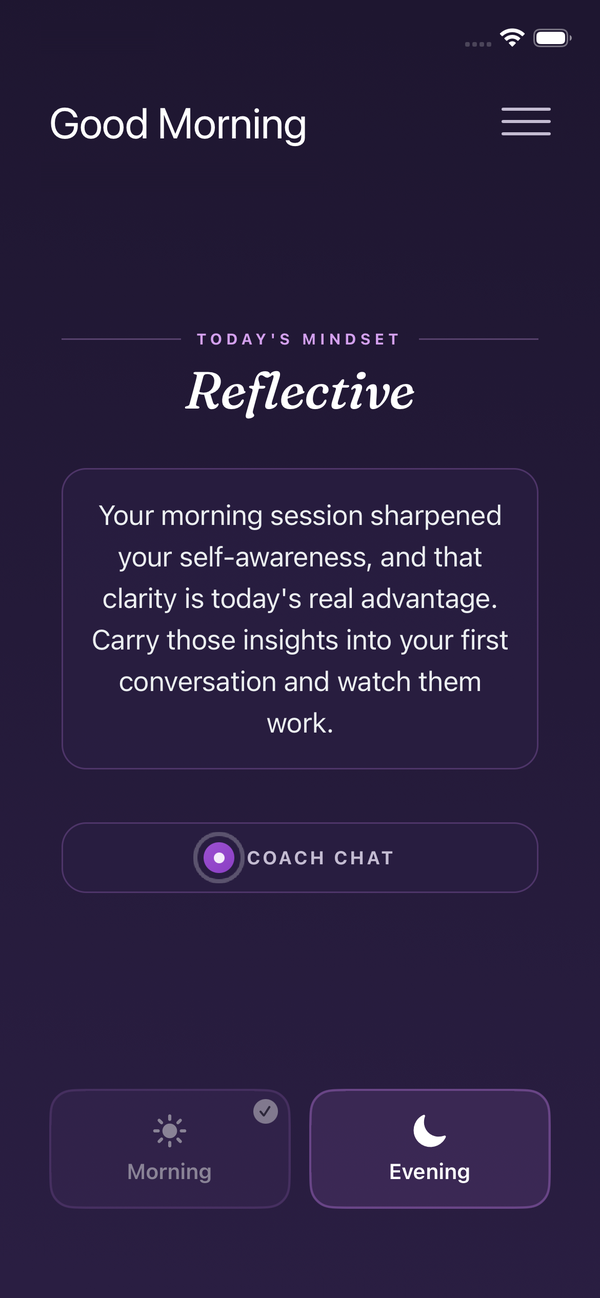
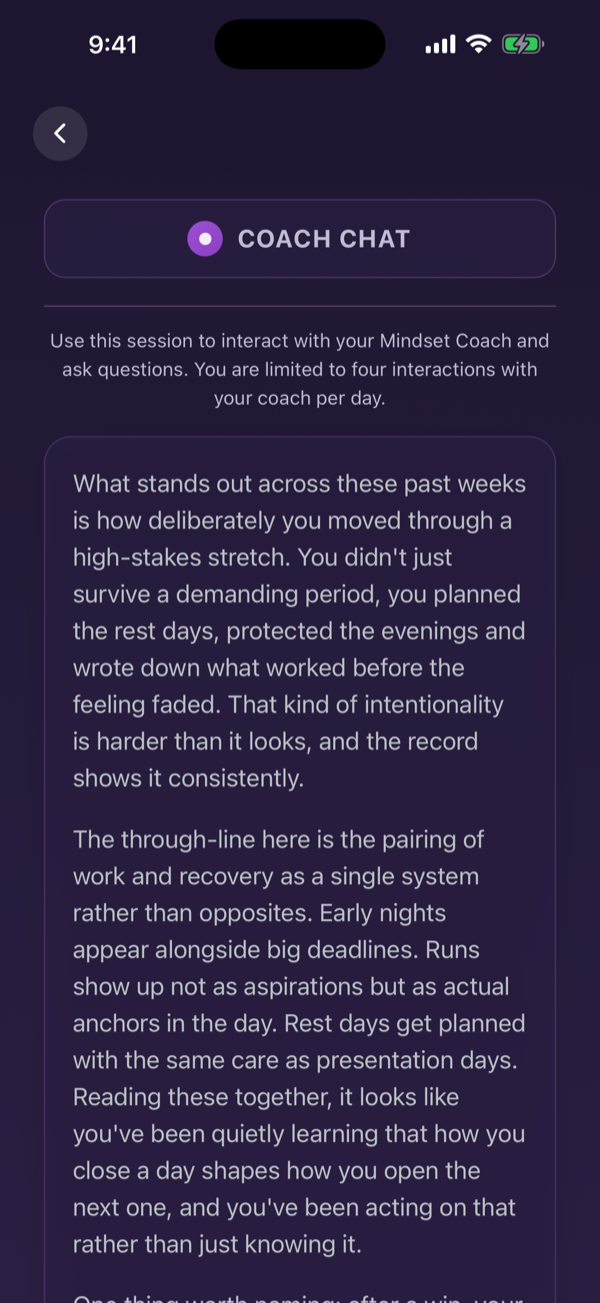
When you finish a session, the coach reads the whole entry and writes back. It can see your earlier entries, so it notices when you have written the same thing four mornings running.
You choose which model runs it. Claude, ChatGPT or Gemini; Claude is the default.
You can also switch it off. With it off, nothing you write is sent to an AI provider and the rest of the app works the same.
The rest of it
Everything below is in the app already. A good morning needs none of it. It is there when you want to go deeper.
Coach Chat
There's a reply box under the coach's response, so you can push back, ask what it meant or keep going. Alongside the reply it writes a mindset assessment: a read on your patterns, your mood and whether you're gaining or losing ground.
It opens once you've practised on five separate days within a week. Any earlier and there isn't enough history for an assessment to say anything true.
Write your own mindsets
If the library hasn't got the question you want, write it. Choose a slider, one text box or three, set the wording and file it under a category. It then behaves like any built-in one: it saves the same way, appears in your session in the order you choose and goes to the coach with everything else.
Your own schedule
Choose which practices appear in each session and what order they come in. Morning and evening are configured separately, so an evening of three questions can sit next to a morning of nine. Reminder times are yours to set, and you can turn either session off entirely.
The mood grid
One row per week, Monday to Sunday, a square a day, coloured by how you said you felt. It's built from your entries themselves, so it can't drift out of step with what you actually wrote. Weeks you skipped keep their row, so a fortnight off looks like a fortnight off.
Backup and restore
Write every entry out to a file you keep, and read it back on a new device. Restoring merges the file with what's already on the phone, so nothing gets trampled.
Face ID, streaks, light and dark
Lock the app behind your biometrics if you'd rather it wasn't readable by whoever picks up your phone. Turn coaching off and the home screen shows your run of consecutive days instead of the coach's read. And it follows light or dark to taste.
Privacy, in plain terms
Entries are encrypted in transit and at rest.
Your name, email address and account identifier are never sent to an AI provider. Only the text of the entry goes, and only when coaching is turned on.
Nothing you write trains a model, ours or theirs. There is no advertising in the app, and we do not sell anything you write.
The Privacy Policy names every company involved and what each one receives.
What it costs
Fourteen days free, with everything switched on and nothing held back.
Monthly
$4.99 / month
Annual
$39.99 / year
Prices vary by region; the App Store and Play show your local figure before you pay. Billing is handled by Apple or Google, and you cancel in their account settings, not here.
Start tomorrow morning
Free for fourteen days. Both sessions, the full library and the coach.